

 0
0


 Continue with Google
 Continue with Facebook
Wednesday 21 January, 2026
MacBook Pro M5 vs M1/M2: Should You Upgrade? (Nepal)
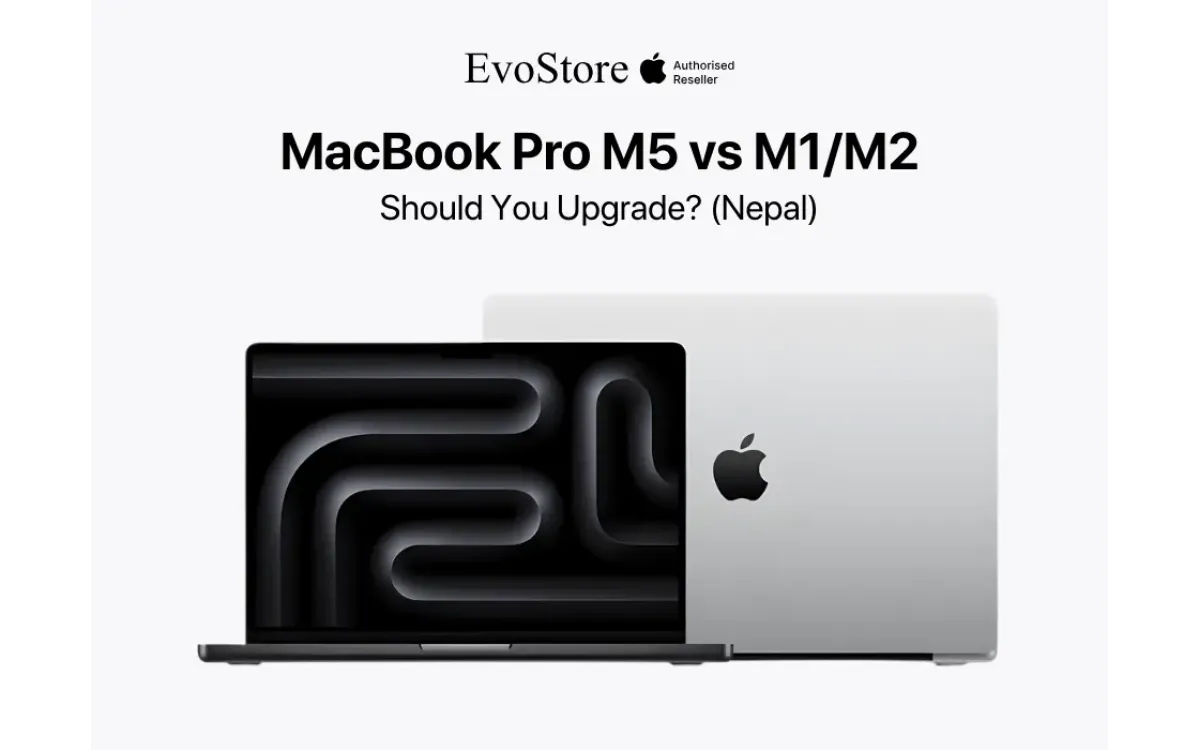
The release of the MacBook Pro M5 marks the five-year anniversary of the Apple Silicon transition. In 2020, the M1 chip reset expectations for mobile computing performance. It proved that power efficiency and raw throughput could coexist without thermal penalty. Five years later, the landscape has shifted. Software demands have scaled to match the available hardware, and the M1, while still functional, no longer occupies the leading edge.
This guide analyzes the technical and practical arguments for upgrading to the MacBook Pro M5. We evaluate the architecture, performance metrics, and economic considerations for users in Nepal. We specifically address owners of M1 and M2 systems who are deciding if the current cycle warrants the capital expenditure.
The Architectural Shift
Understanding the upgrade requires examining the manufacturing process. The M1 utilized a 5-nanometer process. At the time, this was cutting edge. It allowed Apple to pack 16 billion transistors onto the die. The M5 utilizes TSMC's third-generation 3-nanometer process (N3P). This is not merely a shrink in size. It is a fundamental change in transistor density and energy efficiency.
The M5 chip houses over 40 billion transistors in its base configuration. This density allows for more dedicated hardware blocks. The M1 relied on general-purpose CPU cores for many tasks. The M5 offloads these tasks to specialized accelerators. This architectural divergence means the M5 handles video encoding, encryption, and neural network processing without waking the high-performance CPU cores. The result is a machine that stays cool under loads that would spin the fans of an M1 to maximum RPM.
The CPU Performance
The core count war has stabilized, but the performance per watt has increased. The base M1 featured an 8-core CPU with four performance cores and four efficiency cores. The M5 shifts this balance. It utilizes a 10-core arrangement in the base model, with six performance cores and four efficiency cores.
The single-core performance of the M5 is the primary differentiator for daily tasks. Applications like Safari, Microsoft Excel, and system navigation rely on single-thread speed. The M5 executes these threads approximately 90 percent faster than the M1. This snappy responsiveness effectively eliminates the micro-stutters seen on aging M1 machines running macOS Sequoia or later.
Multi-core performance tells a different story. For developers compiling code in Xcode or engineers running simulations in MATLAB, the M5 offers a 2.5x increase in throughput compared to the M1. A compile task that allows you to grab a coffee on an M1 finishes on an M5 before you can stand up. Time is the only non-renewable resource for a professional. The M5 buys it back.
Graphics and 3D Workflows
The GPU evolution represents the widest gap between generations. The M1 graphics architecture was a direct port from mobile processors. It lacked hardware support for modern rendering techniques. The M5 GPU includes hardware-accelerated ray tracing and mesh shading.
These terms matter beyond gaming. In architectural visualization tools like Twinmotion or rendering engines like Redshift, hardware ray tracing cuts render times by half. The M5 processes light paths and reflection data on dedicated silicon. The M1 attempts to do this via software compute, which is inefficient and slow.
For video editors using DaVinci Resolve or Final Cut Pro, the media engine in the M5 is a distinct advantage. The M1 has one video decode/encode engine. The M5 Pro and Max chips feature dual engines with support for AV1 decoding. This allows for smooth playback of high-bitrate 8K footage that would turn an M1 timeline into a slideshow. If your workflow involves 4K ProRes or RAW video, the upgrade is functional, not luxury.
Neural Engine and AI
Artificial Intelligence is the current driver of hardware innovation. The M1 includes a 16-core Neural Engine, but it is an early generation design. The M5 features a redesigned Neural Engine specifically optimized for Transformer models, the architecture underlying modern LLMs and generative tools.
Adobe Photoshop, Lightroom, and Pixelmator Pro lean heavily on this processor for subject selection, noise reduction, and generative fill. On an M1, a complex noise reduction batch process on 100 RAW photos takes significant time. On an M5, the latency is negligible. The machine processes the data as fast as the SSD can deliver it. As macOS integrates more local AI features to preserve privacy, the older Neural Engines in the M1 and M2 will become the primary bottleneck.
The Display
The 2020 M1 MacBook Pro (13-inch) used a standard LED-backlit LCD. It was a good screen, but it lacked dynamic range. The M5 uses a Liquid Retina XDR display. This panel utilizes thousands of mini-LEDs to create local dimming zones. It achieves a sustained brightness of 1000 nits and a peak brightness of 1600 nits for HDR content.
Black levels on the M5 display approach the infinite contrast of OLED. For colorists and photographers, this accuracy is non-negotiable. You see the image as it actually exists. The M5 also features ProMotion, an adaptive refresh rate technology that scales up to 120Hz. Scrolling text and UI animations are fluid. Going back to the fixed 60Hz screen of the M1 feels jarring after using the M5.
This year, Apple also introduced an optional nano-texture display for the MacBook Pro M5. This matte finish, etched at the nanometer level, scatters ambient light. For professionals working in the field in bright sunlight or in studios with harsh overhead lighting, this option solves the glare issue inherent in glossy screens. M1 users strictly have glossy panels.
Connectivity and IO
The M1 MacBook Pro (13-inch) was notorious for its lack of ports. It offered two Thunderbolt ports and a headphone jack. The M5 corrects this austere approach. It features three Thunderbolt ports, an HDMI 2.1 port, an SDXC card slot, and a MagSafe 3 charging port.
The return of the SD card slot is a workflow accelerator for photographers. You no longer need a dongle to ingest footage. The HDMI 2.1 port supports high-refresh-rate 8K output, allowing connection to modern reference monitors without adapters. MagSafe frees up a Thunderbolt port for peripherals and prevents accidental drops if the cable is snagged.
Wireless connectivity also sees an upgrade. The M5 supports Wi-Fi 7. While Wi-Fi 7 routers are not yet ubiquitous in Kathmandu, they are the future standard. The M1 supports Wi-Fi 6. The difference in throughput and latency in congested network environments is measurable.
Temperature Management
The M1 13-inch MacBook Pro had a single fan. The M5 14-inch and 16-inch models utilize a dual-fan system with larger heat pipes. This thermal headroom allows the M5 to sustain peak performance for longer periods.
During a 30-minute 3D render, an M1 chip eventually throttles. It slows down to protect itself from heat. The M5 dissipates heat more effectively, maintaining its clock speeds throughout the duration of the task. For intermittent bursts of work, both are fine. For sustained loads, the M5 is a reliable workstation.
Battery Life
The M1 set a high bar for battery life. The M5 raises it. Efficiency gains from the N3P process allow the M5 to deliver up to 24 hours of video playback. In a real-world mixed usage scenario of web browsing, coding, Slack, background music, the M5 consistently delivers 16 to 18 hours of screen-on time. The M1, now five years old, likely suffers from battery chemical aging. A device that once held a charge for 12 hours may now only last 8. Upgrading to the M5 resets this clock, providing two full workdays of autonomy on a single charge. This independence from the wall outlet is critical during field work or long commutes.
For M1 Users
If you own an M1 MacBook Pro, the M5 upgrade guide suggests a definitive move. You are five years behind the curve. The cumulative improvements in screen quality, port selection, GPU power, and processing speed create a vastly superior experience.
Your M1 is currently at the bottom of the resale depreciation curve. It still holds value for students and entry-level users. Selling it now via trade-in or the secondary market maximizes your return. Waiting another year moves the M1 into the "obsolete" category, drastically reducing its residual value.
For M2 Users
The M2, released in 2022, occupies a middle ground. The CPU performance jump to M5 is significant but not always necessary for administrative tasks.
Upgrade if: You are a video editor bottlenecked by render times. You work in 3D and need hardware ray tracing. You constantly run out of RAM.
Do not upgrade if: Your primary workflow is writing, web-based tools, or light coding. The M2 battery life still meets your needs. You are satisfied with the 60Hz display (if on the 13-inch M2 Pro).
For M3/M4 Users
Owners of M3 and M4 machines should generally hold. The performance improvement exists, but it rarely justifies the cost for a year-over-year upgrade. The M5 refines the capabilities of the M4 rather than reinventing them. Unless you need the specific AV1 encode capabilities or the absolute maximum RAM configuration for enterprise LLMs, your current machine remains top-tier.
Why Buy from Evostore?
The Nepali market is flooded with gray market electronics. These devices, often imported through informal channels, pose significant risks. They may be refurbished units repackaged as new. Evostore is an Apple Authorized Reseller and Service Provider. This status ensures three things:
Authenticity: You receive a genuine, brand-new unit intended for this region.
Warranty: Your one-year Apple warranty is valid and honored globally. If your logic board fails, we replace it. Gray market sellers often refuse expensive repairs or use scavenged parts.
Expertise: Our staff understands the hardware. We can guide your configuration choice based on your actual workflow, not just on upselling.
Conclusion
The MacBook Pro M5 is not a speculative upgrade. It is a calculated consolidation of five years of silicon advancement. It addresses every weakness of the M1 generation of ports, display connectivity, GPU features and amplifies every strength.
For the professionals in Nepal, time is currency. The M5 saves time. It eliminates the friction between thought and execution. While the M1 and M2 served well, the M5 defines the new standard for what a portable computer can achieve.
Visit Evostore at Durbar Marg, Labim Mall, or our other outlets to experience the device. Check the weight, test the keyboard, and see the screen brightness in person. The upgrade is about the feel of a tool that disappears when you use it, leaving you to focus entirely on your work.
FAQs
1. Does the M5 MacBook Pro support Windows?
It does not support x86 Windows via Boot Camp. However, you can run the ARM version of Windows 11 using virtualization software like Parallels Desktop. The M5 performance is so high that virtualized Windows often runs faster than on native mid-range PC laptops.
2. Will my old M1 accessories and hubs work with the M5?
Yes. The M5 uses Thunderbolt / USB-C ports which are backward compatible. Your existing dongles, monitors, and hard drives will work immediately. You may find you need fewer of them due to the M5's built-in HDMI and SD card slot.
3. Is the base model M5 with 8GB of RAM sufficient?
The base model M5 now starts with higher memory than previous generations. We do not recommend 8GB for "Pro" workflows. For longevity and resale value, Evostore recommends configuring at least 16GB or 18GB of unified memory.
4. Can I charge the MacBook Pro M5 with a power bank?
Yes, provided the power bank supports USB-C Power Delivery (PD). To charge effectively while using the device, we recommend a power bank capable of outputting at least 65W. Lower wattage banks may only charge the battery when the laptop is sleeping.
5. What happens if I damage the screen?
If you purchased from Evostore, you have access to authorized repair services. We use genuine Apple parts and calibration tools. Screen replacements are costly, so we also recommend inquiring about accidental damage protection plans at the time of purchase.