

 0
0


 Continue with Google
 Continue with Facebook
Friday 06 February, 2026
MacBook Air vs MacBook Pro: Best Choice for Students & Professionals
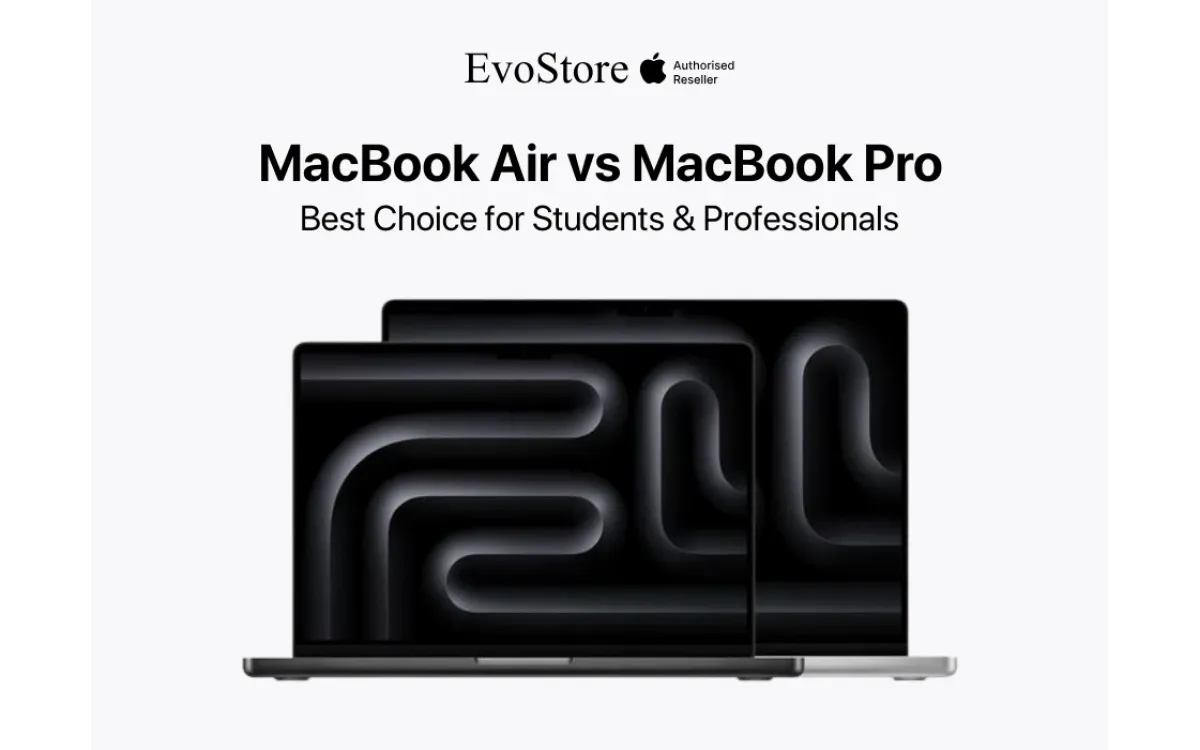
Apple's MacBook lineup offers two distinct options serving different user requirements and budgets. The MacBook Air prioritizes portability and battery life while the MacBook Pro delivers maximum performance for demanding workflows. Understanding these differences guides purchase decisions for students and professionals in Nepal. MacBook Air models use fan-less designs relying on passive cooling. The M3 and M4 chips operate within thermal limits without active airflow. This approach maintains silent operation during all tasks. Performance throttles slightly during sustained heavy workloads when thermal limits reach. MacBook Pro incorporates active cooling fans managing higher thermal loads. The M4 and M5 chips sustain maximum performance indefinitely. Fan noise becomes audible during intensive tasks including video rendering and 3D modeling. Thermal headroom allows professional workflows to complete faster. GPU core counts differentiate performance capabilities. MacBook Air M3 includes 8 or 10 GPU cores depending on configuration. The M4 Air maintains similar core counts. MacBook Pro M4 offers 10 to 14 GPU cores. The M5 Pro scales to 20 cores in top configurations. Memory bandwidth impacts multi-tasking and professional applications. MacBook Air achieves 100GB/s memory bandwidth sufficient for standard workflows. MacBook Pro M4 reaches 120GB/s while M5 Pro configurations deliver 273GB/s. Higher bandwidth accelerates large file processing and complex computations. Neural engine capabilities remain similar across both lines. Machine learning tasks including photo enhancement and voice recognition perform identically. Both models handle AI-powered features in macOS efficiently. Performance differences emerge in sustained professional workloads rather than everyday computing. MacBook Air features Liquid Retina displays with LED backlighting. Resolution reaches 2560 by 1664 pixels on 13-inch models and 3024 by 1964 on 15-inch variants. Brightness peaks at 500 nits suitable for indoor use. Color accuracy covers P3 wide color gamut meeting creative work requirements. MacBook Pro employs Liquid Retina XDR displays using mini-LED technology. The 14-inch model delivers 3024 by 1964 resolution while 16-inch reaches 3456 by 2234 pixels. Sustained brightness of 1000 nits and peak HDR brightness of 1600 nits enable outdoor visibility and HDR content creation. Contrast ratios differ significantly between technologies. MacBook Air achieves standard LED contrast around 1000:1. MacBook Pro mini-LED technology produces 1,000,000:1 contrast through localized dimming zones. This dramatic improvement renders deep blacks crucial for photo and video editing. ProMotion adaptive refresh rates exclusive to MacBook Pro adjust between 24Hz and 120Hz. Scrolling appears smoother and more responsive. Video playback matches content frame rates reducing judder. MacBook Air maintains fixed 60Hz refresh rates adequate for standard use. Reference modes on MacBook Pro calibrate displays for professional color work. Presets match industry standards for video editing and photography. Built-in colorimeters maintain accuracy over time. MacBook Air lacks these professional calibration features. MacBook Air 13-inch weighs 1.24 kilograms making it the lightest option. The 15-inch Air reaches 1.51 kilograms. Both models measure 11.3mm thin fitting easily into bags and backpacks. Students carrying devices throughout campus benefit from reduced weight. MacBook Pro 14-inch weighs 1.55 kilograms while 16-inch models reach 2.15 kilograms. Thickness increases to 15.5mm accommodating larger batteries and cooling systems. The additional weight becomes noticeable during extended carrying. Battery capacity differences affect usage duration. MacBook Air provides 15 to 18 hours of web browsing or video playback. Light productivity tasks extend even longer. Students complete full days without charging. MacBook Pro battery life reaches 12 to 22 hours depending on model and workload. The 16-inch variant contains larger batteries offsetting higher performance power draw. Professional workflows drain batteries faster than specifications suggest. Video editing and rendering reduce runtime to 6-8 hours. Charging capabilities vary between models. MacBook Air includes 30W or 35W adapters depending on configuration. Full charge requires approximately 2 hours. MacBook Pro ships with 67W to 140W power adapters. Fast charging reaches 50% in 30 minutes supporting quick top-ups between tasks. MagSafe 3 magnetic charging appears on both lines. The connection detaches safely when tripped, preventing laptop damage. USB-C ports remain available for accessories during charging. This convenience suits environments with limited outlet access. MacBook Air provides two Thunderbolt 4 ports supporting 40Gbps data transfer. External display connectivity allows one 6K display at 60Hz or one 5K display. Peripheral connections include storage drives, hubs, and docking stations. The headphone jack supports high-impedance headphones. MacBook Pro 14-inch includes three Thunderbolt 4 ports expanding connectivity options. The 16-inch model maintains three ports. HDMI 2.1 port connects directly to external monitors without adapters. SDXC card slot reads photography and video storage cards common in professional workflows. External display support scales with models. MacBook Pro M4 drives two 6K displays simultaneously. M5 Pro configurations support up to three external displays. Professional setups with multiple monitors benefit from native support without docking stations. Thunderbolt bandwidth sharing affects multi-device performance. MacBook Air splits bandwidth between two ports. Connecting multiple high-speed devices may saturate available throughput. MacBook Pro distributes bandwidth across more ports reducing contention. WiFi 6E connectivity appears across current MacBook lines. Tri-band operation reduces congestion in dense environments. Bluetooth 5.3 supports wireless peripherals and audio devices. Wired networking requires Thunderbolt adapters on both models. Base MacBook Air models include 256GB storage and 8GB unified memory. Mid-tier configurations offer 512GB storage with 16GB memory. Storage expands to 2TB maximum. Memory scales to 24GB on M3 models and 32GB on M4 variants. MacBook Pro base models start at 512GB storage and 16GB memory. Professional configurations reach 8TB storage and 128GB memory on M5 Max chips. These expansions accommodate massive video projects and large datasets. Unified memory architecture shares RAM between CPU and GPU. Both models benefit from efficient memory usage. However, memory-intensive applications reveal capacity differences. Video editing 4K footage requires minimum 16GB. 8K workflows need 32GB or more. Storage speed varies between models. MacBook Air achieves read speeds around 2800MB/s. MacBook Pro reaches 3000MB/s to 7400MB/s depending on capacity and chip. Faster storage accelerates large file transfers and application launches. Configuration decisions affect long-term value. Memory and storage remain non-upgradeable after purchase. Purchasing adequate capacity initially prevents premature replacement. Budget constraints may force compromises requiring careful priority assessment. Computer science students running development environments benefit from 16GB memory minimum. Code compilation and testing virtual machines consume substantial resources. MacBook Air M3 or M4 with 16GB handles most programming tasks efficiently. Design students working with Adobe Creative Suite need GPU performance. Photoshop and Illustrator run adequately on MacBook Air. Video editing in Premiere Pro or motion graphics in After Effects favor MacBook Pro performance and display quality. Business and liberal arts students preparing presentations, papers, and spreadsheets find MacBook Air entirely sufficient. Office applications, web research, and note-taking require minimal resources. Battery life supports full-day campus use without charging. Engineering students using CAD software and simulation tools encounter MacBook Air limitations. Solidworks, AutoCAD, and MATLAB benefit from MacBook Pro thermal headroom. Complex assemblies and finite element analysis complete faster with active cooling. Medical students reviewing high-resolution imaging and running anatomy software operate well on MacBook Air. Note-taking during lectures and research paper writing demand little processing power. Portability during hospital rotations outweighs performance benefits. Budget considerations heavily influence student purchases. MacBook Air pricing starts significantly lower than Pro models. Educational discounts available through Evostore Nepal reduce costs further. Many students select Air models, allocating savings toward accessories or software. Software developers compiling large codebases benefit from MacBook Pro performance. Build times decrease with faster processors and more memory. Running multiple development tools simultaneously requires 32GB or more memory. Graphic designers working primarily with print media succeed with MacBook Air M4. Vector graphics in Illustrator and layout work in InDesign perform smoothly. ProMotion displays and color accuracy matter less for print-focused work. Video editors processing 4K footage require MacBook Pro specifications. Color grading demands XDR display accuracy. Multiple video streams playback simultaneously during editing. Export rendering completes substantially faster with M4 or M5 Pro chips. Photographers editing RAW files from professional cameras operate efficiently on MacBook Air with adequate memory. Lightroom and Capture One handle batch processing well. Large catalog management benefits from 512GB or 1TB storage. Financial analysts building complex Excel models and running simulations prefer MacBook Pro memory capacity. Large datasets load faster. Pivot tables and calculations complete without lag. Multiple applications running simultaneously benefit from 32GB memory. Content creators producing YouTube videos balance performance needs. Recording, editing, and uploading 1080p content works on MacBook Air. 4K production workflows favor MacBook Pro capabilities. Thumbnail creation and social media management suit either platform. Consultants and business professionals conducting presentations, video calls, and document preparation find MacBook Air ideal. Portability during client visits outweighs performance advantages. Battery life ensures full-day operation without outlet access. Aluminum unibody construction appears across all MacBook models. Precision milling creates seamless enclosures resistant to flexing. Both Air and Pro lines withstand typical transportation and handling without damage. Keyboard mechanisms use second-generation butterfly switches replaced by Magic Keyboard scissor mechanisms. Key travel and tactile feedback remain consistent between models. Backlighting adjusts automatically to ambient lighting conditions. Durability testing validates multi-year reliability. Trackpad surfaces use Force Touch technology detecting pressure levels. Haptic feedback simulates clicks without mechanical buttons. Precision tracking supports detailed work. Size differences favor MacBook Pro with larger tracking surfaces. Display hinge mechanisms maintain position across full range of motion. Screens stay positioned at any angle without creeping. Repeated opening and closing over years maintains hinge integrity. Both models demonstrate similar longevity. Port durability withstands frequent cable insertion and removal. Thunderbolt connectors maintain tight fits preventing accidental disconnection. MagSafe 3 magnetic charging reduces wear on the primary charging port. MacOS Sequoia optimizes for Apple Silicon architecture. Applications compiled for M-series chips run natively achieving maximum performance. Rosetta 2 translation enables Intel applications to function on both Air and Pro models with minimal performance penalty. Professional applications including Final Cut Pro, Logic Pro, and Xcode receive continuous optimization for Apple Silicon. Performance improves with each software update. Third-party developers increasingly release native versions. Windows compatibility through Parallels Desktop or VMware Fusion creates virtual machines running Windows 11. Performance proves adequate on MacBook Air for light Windows applications. Professional Windows workflows benefit from MacBook Pro resources. iOS and iPadOS application compatibility allows iPhone and iPad apps to run on MacBook. Touch-optimized interfaces adapt to keyboard and trackpad input. This expands available software beyond traditional Mac applications. Cloud service integration including iCloud synchronizes documents, photos, and settings across Apple devices. Handoff continues tasks between iPhone, iPad, and Mac. Universal Clipboard copies content on one device for pasting on another.. Assessing actual workflow requirements prevents over-purchasing unnecessary performance. Students rarely need MacBook Pro capabilities despite marketing appeal. Honest evaluation of software requirements guides appropriate selection. Testing devices in-store provides hands-on experience impossible through online research. Evostore Nepal locations allow comparison between models. Weight differences, display quality, and keyboard feel inform subjective preferences. Timing purchases around product refresh cycles affects value. New model releases trigger price reductions on previous generations. October and March often see announcements. Waiting 1-2 months after launch provides availability without launch premiums. Evostore provides competitive pricing with MacBooks. We are always coming up with offers that are beneficial for you in the long run. Updated pricing of MacBooks can be found in the Mac section of the website. Authorized Apple reseller status guarantees genuine products with valid warranties. Serial number verification confirms authenticity. International warranty coverage provides service anywhere Apple operates. Expert staff consultation matches products to customer requirements. Technical knowledge helps navigate specifications and configurations. Post-purchase support addresses setup questions and troubleshooting. Flexible payment options include EMI plans spreading costs across 6-12 months. Credit card offers provide additional discounts during promotional periods. Trade-in programs accept older MacBook models reducing upgrade costs. Same-day availability for popular configurations eliminates shipping delays. Custom orders arrive within 1-2 weeks. Stock levels maintained across MacBook Air and Pro variants ensure selection. After-sales service coordinates warranty claims and repairs through Apple authorized service providers. Evostore facilitates the process of reducing customer effort. Loaner programs provide temporary devices during extended repairs. 1. Which MacBook is better for university students in Nepal? MacBook Air M3 or M4 suits most students across disciplines. The 13-inch model balances portability and performance. Configure with 16GB memory and 512GB storage for comfortable four-year use without limitations. 2. Can MacBook Air handle video editing? MacBook Air manages 1080p video editing in Final Cut Pro or Adobe Premiere adequately. 4K footage editing works but exports take longer. Professionals editing 4K daily should choose MacBook Pro for faster workflows. 3. How long do MacBook batteries last in real use? MacBook Air achieves 12-15 hours with mixed web browsing, documents, and video streaming. MacBook Pro provides 8-12 hours depending on workload intensity. Battery life decreases over years requiring eventual replacement. 4. Is MacBook Pro worth the extra cost for professionals? Professionals relying on their MacBook for income generation benefit from Pro performance and reliability. Faster project completion and superior display quality justify premium pricing. Casual users find Air entirely sufficient. 5. Where can I find the best MacBook deals in Nepal? Evostore.com.np offers competitive pricing, educational discounts, and flexible EMI options. Authorized reseller status ensures genuine products and valid warranties. Visit locations in Kathmandu for hands-on comparison before purchase.MacBook Air vs MacBook Pro: Performance Architecture Differences
MacBook Air vs MacBook Pro: Display Technology Comparison
MacBook Air vs MacBook Pro: Battery Life and Portability
MacBook Air vs MacBook Pro: Port Selection and Connectivity
MacBook Air vs MacBook Pro: Storage and Memory Configurations
MacBook Student Use Case Analysis
For Professional Workflow Requirements
MacBook Build Quality and Durability
Software Optimization and Compatibility
Making the Purchase Decision
Evostore Nepal Advantages
Frequently Asked Questions